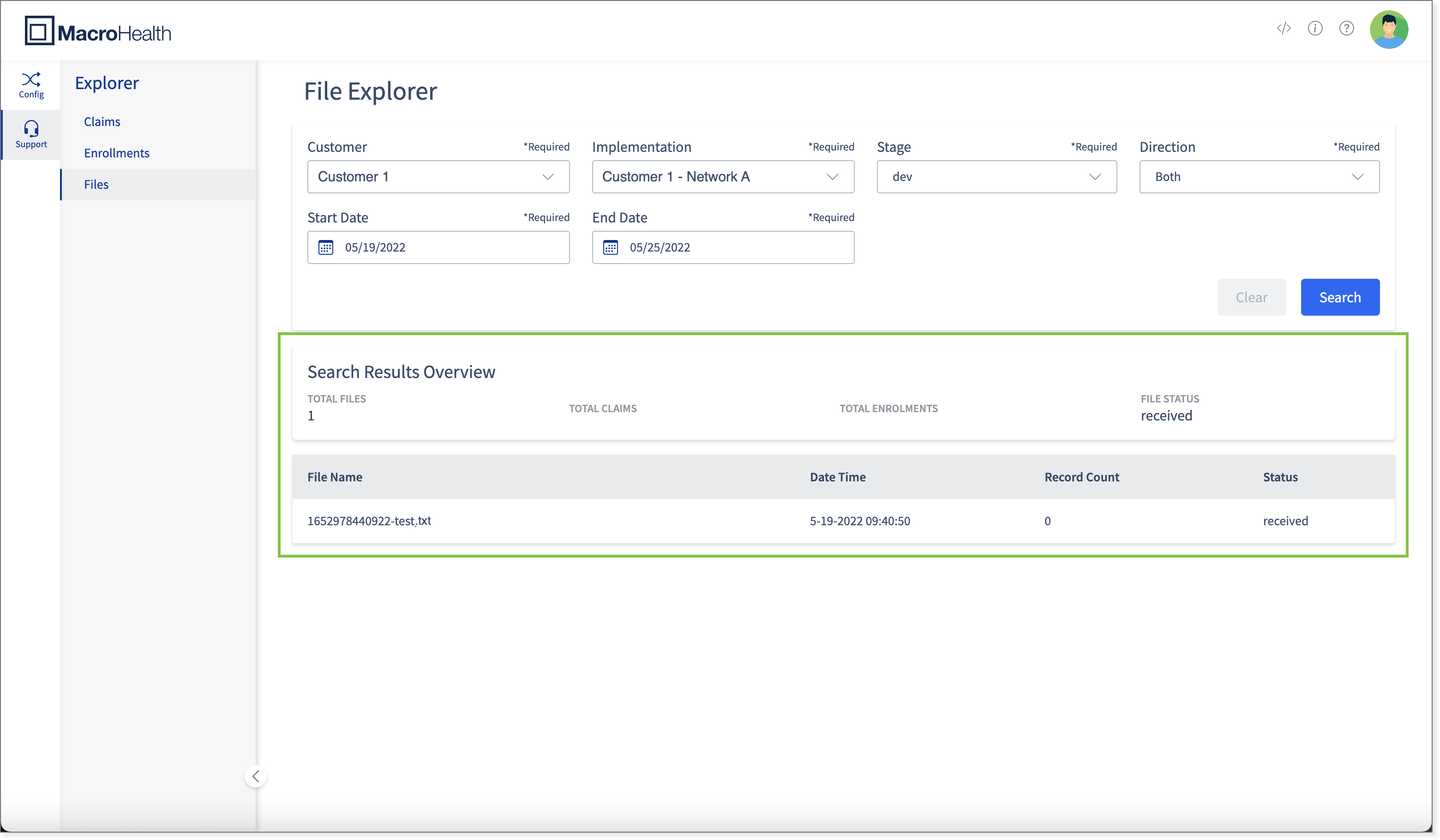
File Explorer
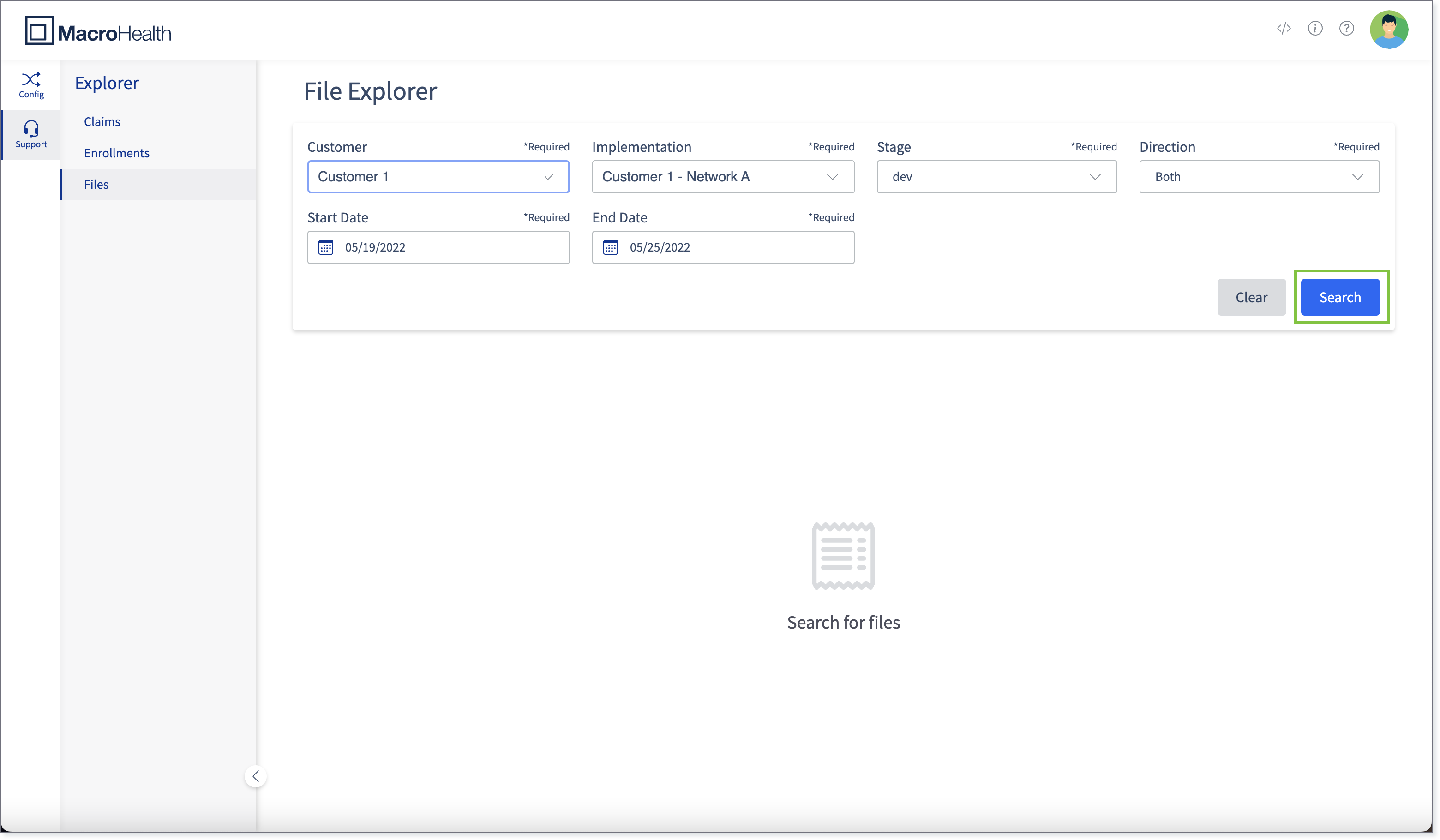
The Claim Explorer is a tool that can be used to search up a file. Claims can be searched by Customer, Implementation, Stage, Direction, Start Date, and End Date.
Accessing the File Explorer
Open a web browser and access the MacroHealth Platform.
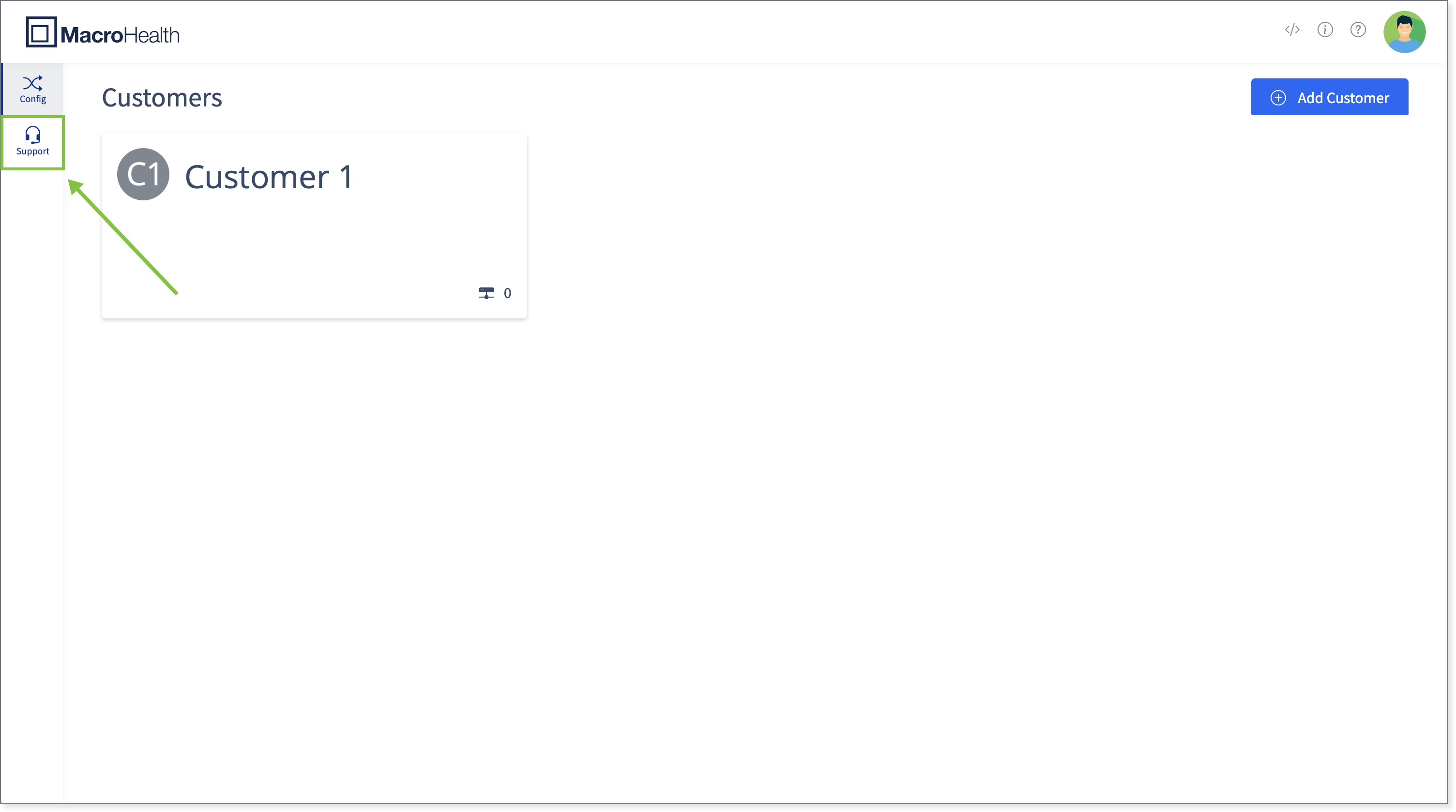
Click the Support tab.
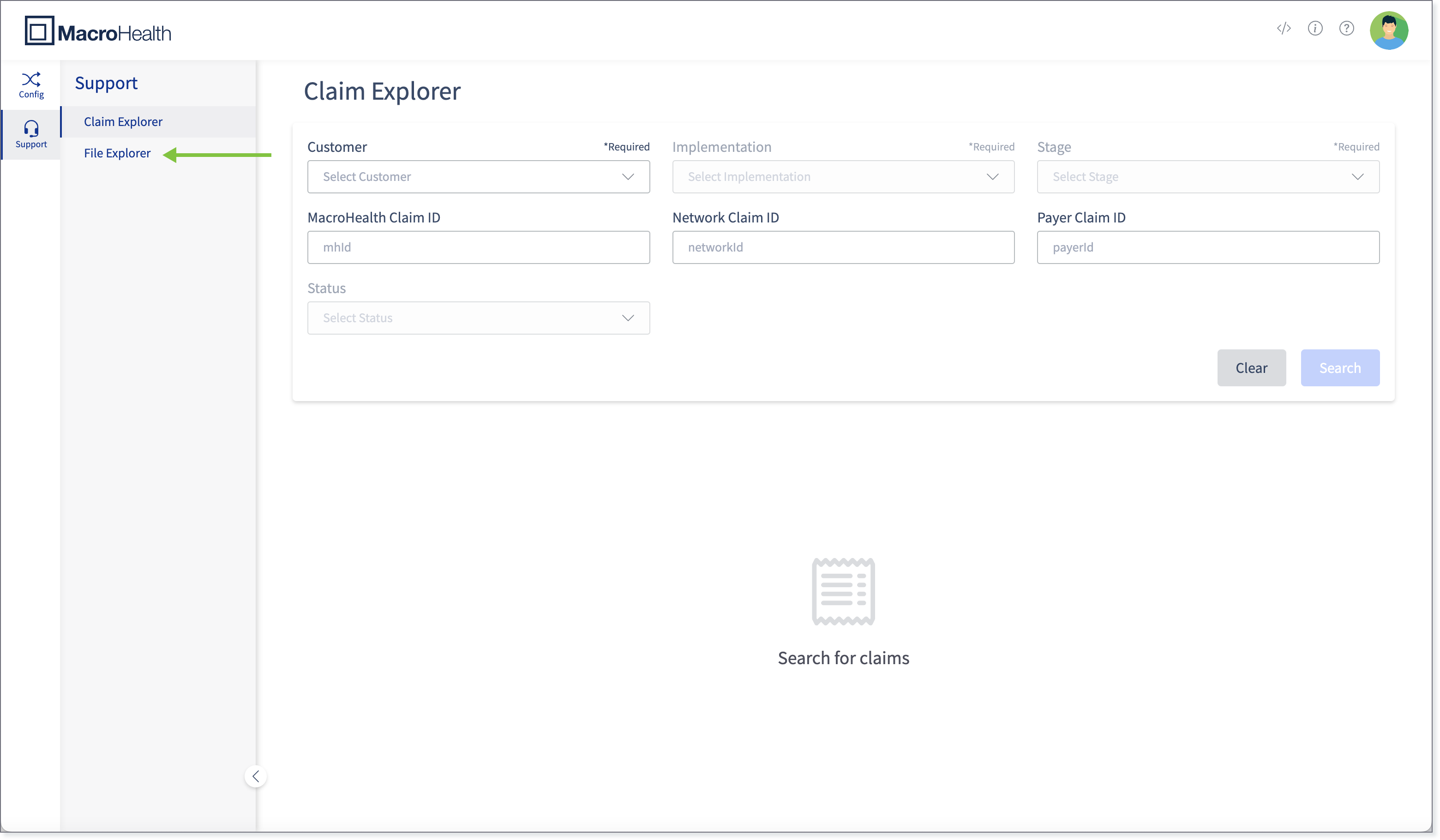
Click the File Explorer in the left side panel.
You will land on the File Explorer page.

Finding a File
Select a Customer from the drop-down.
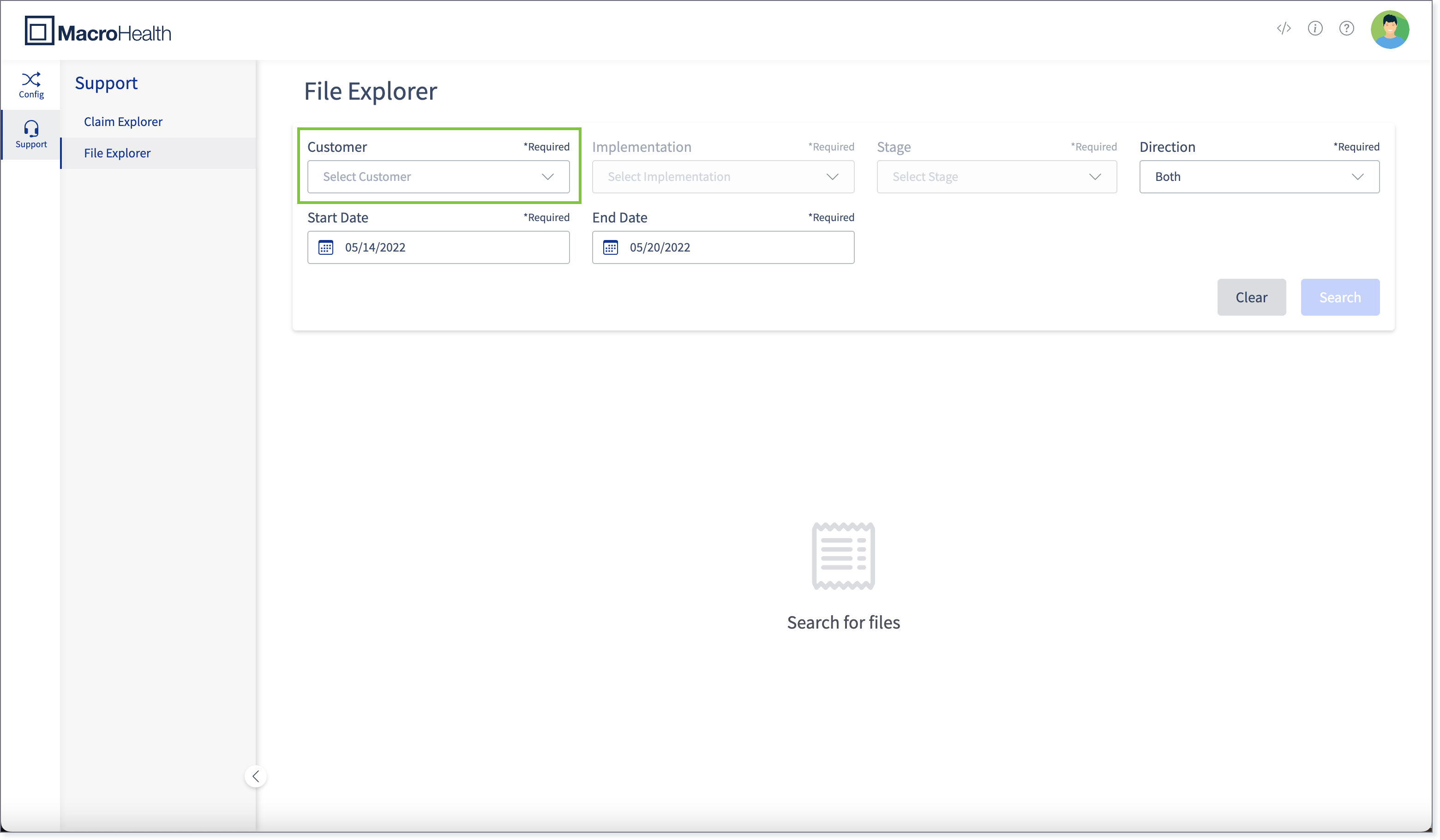
Select the Implementation from the drop-down.
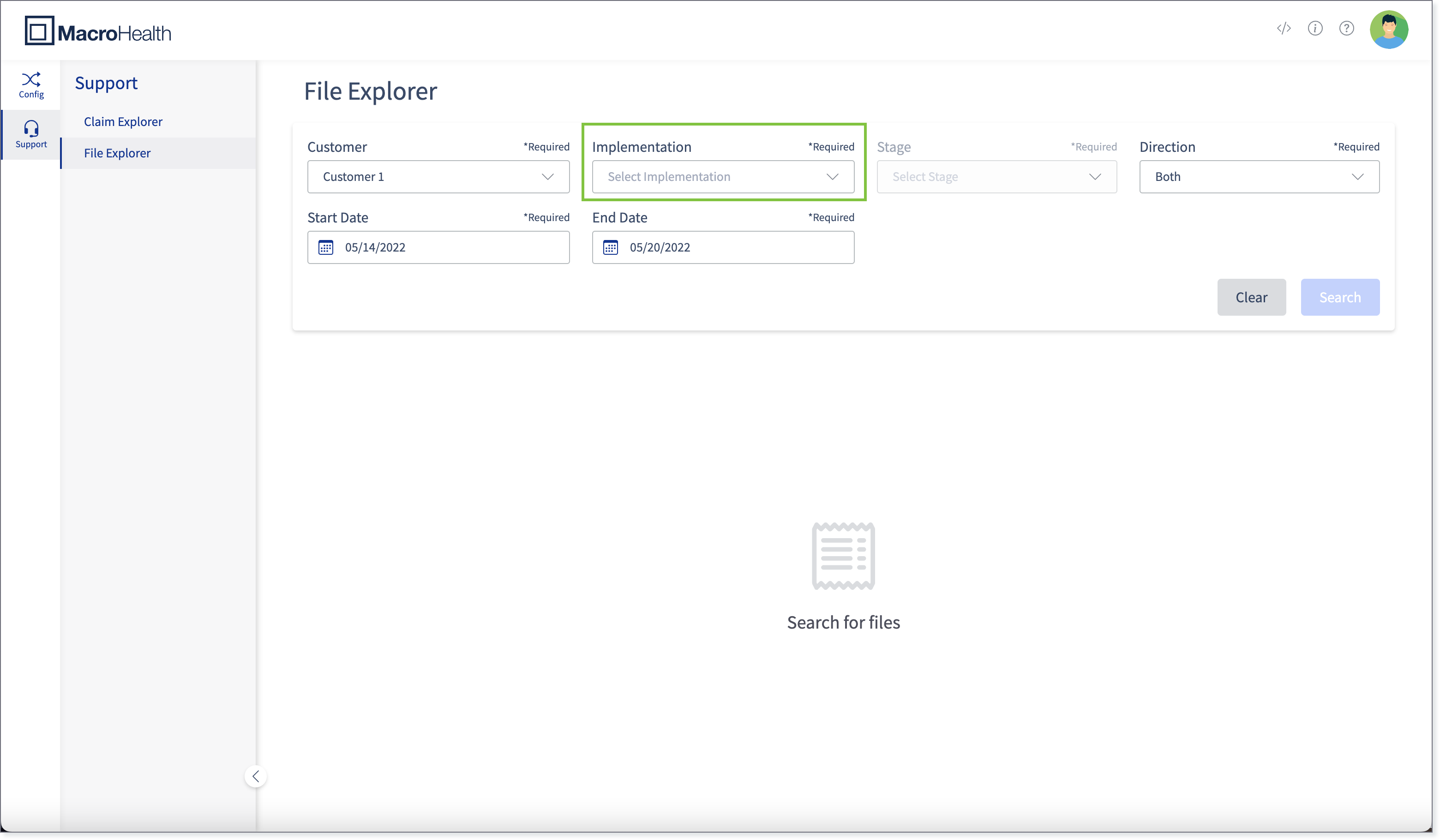
Select the Stage from the drop-down. The available values are: dev, test, and prod.

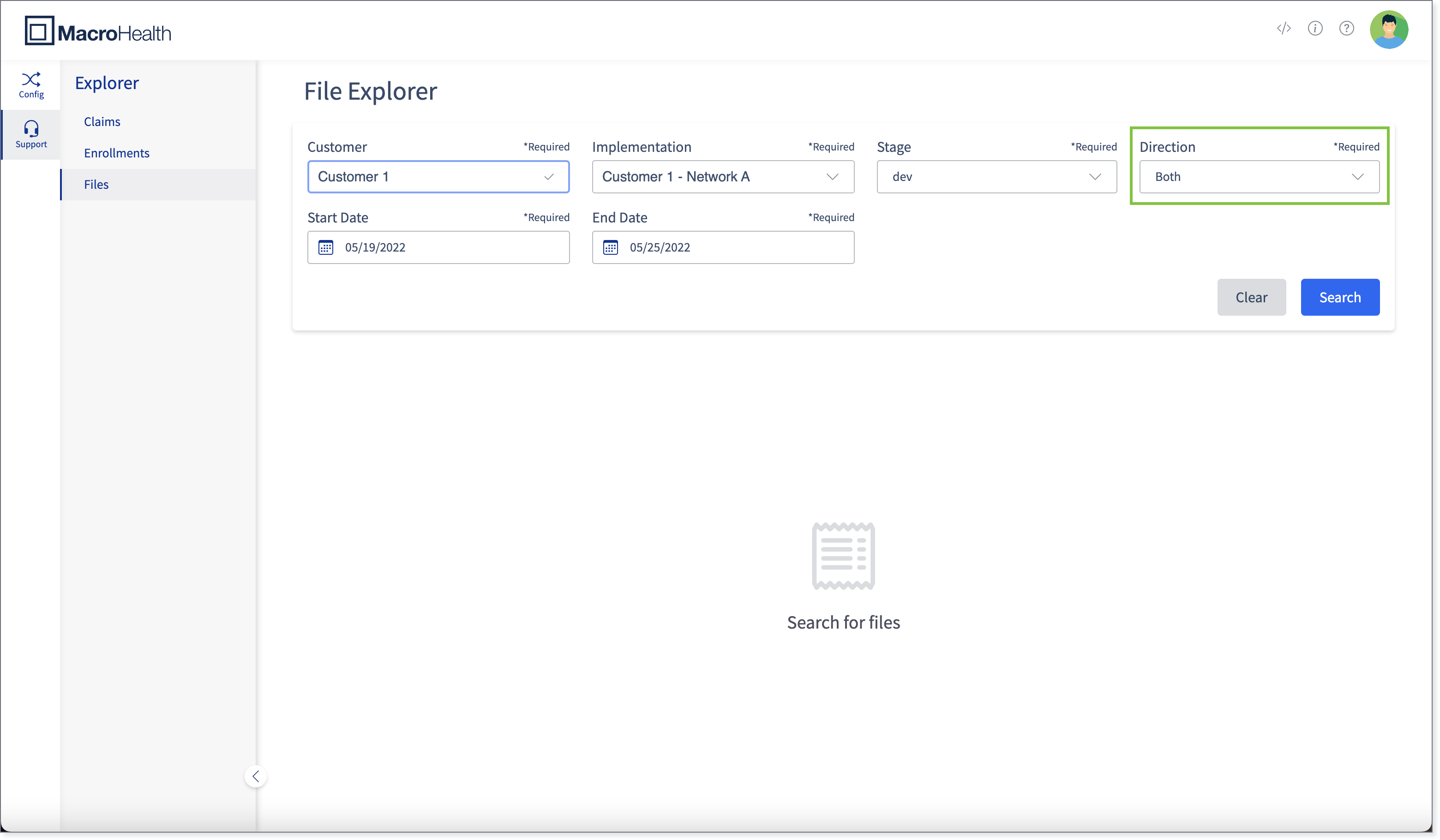
Select the Direction from the drop-down. The available values are: Both, Inbound, and Outbound (Claims only).
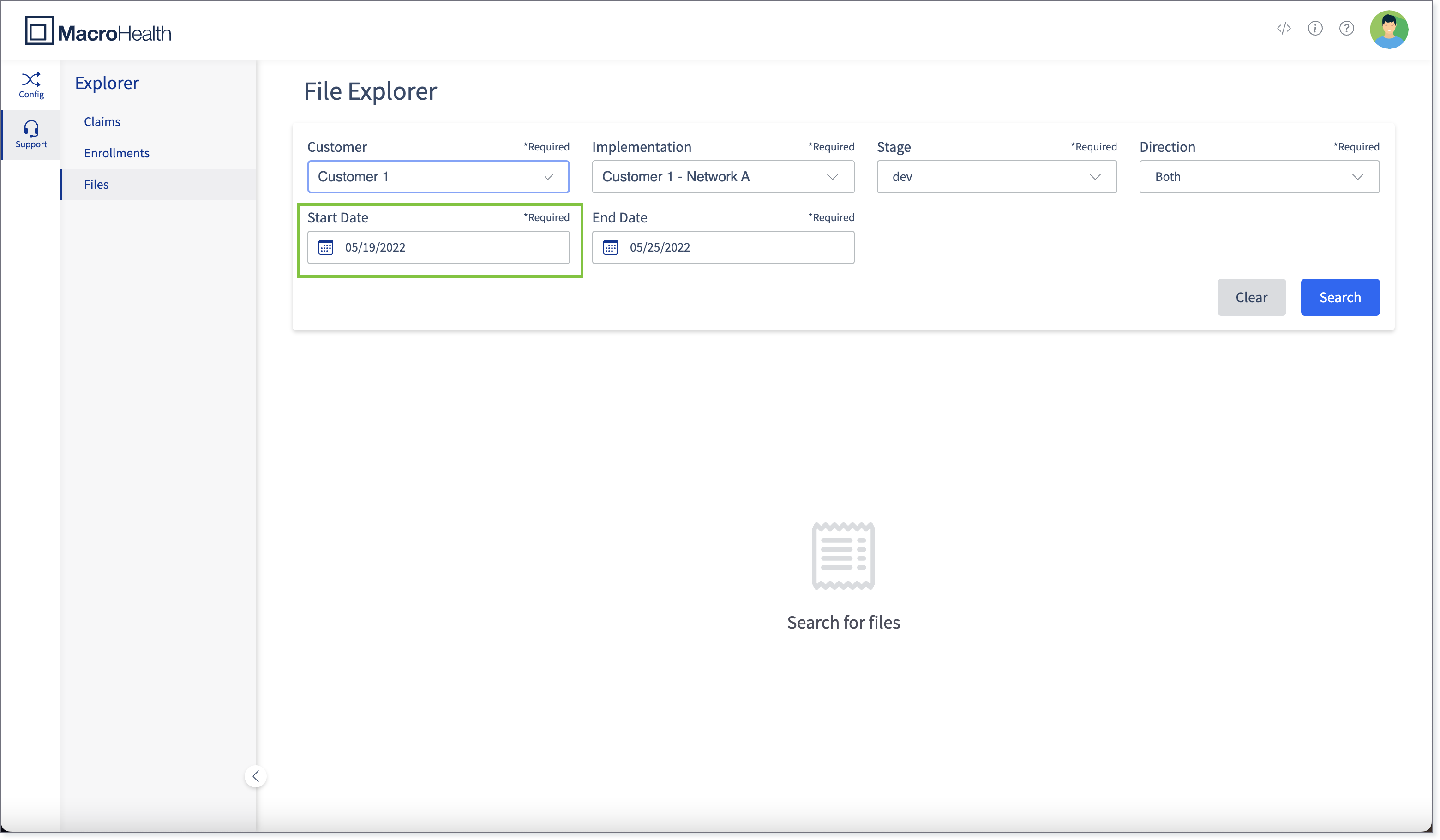
Specify the Start Date.
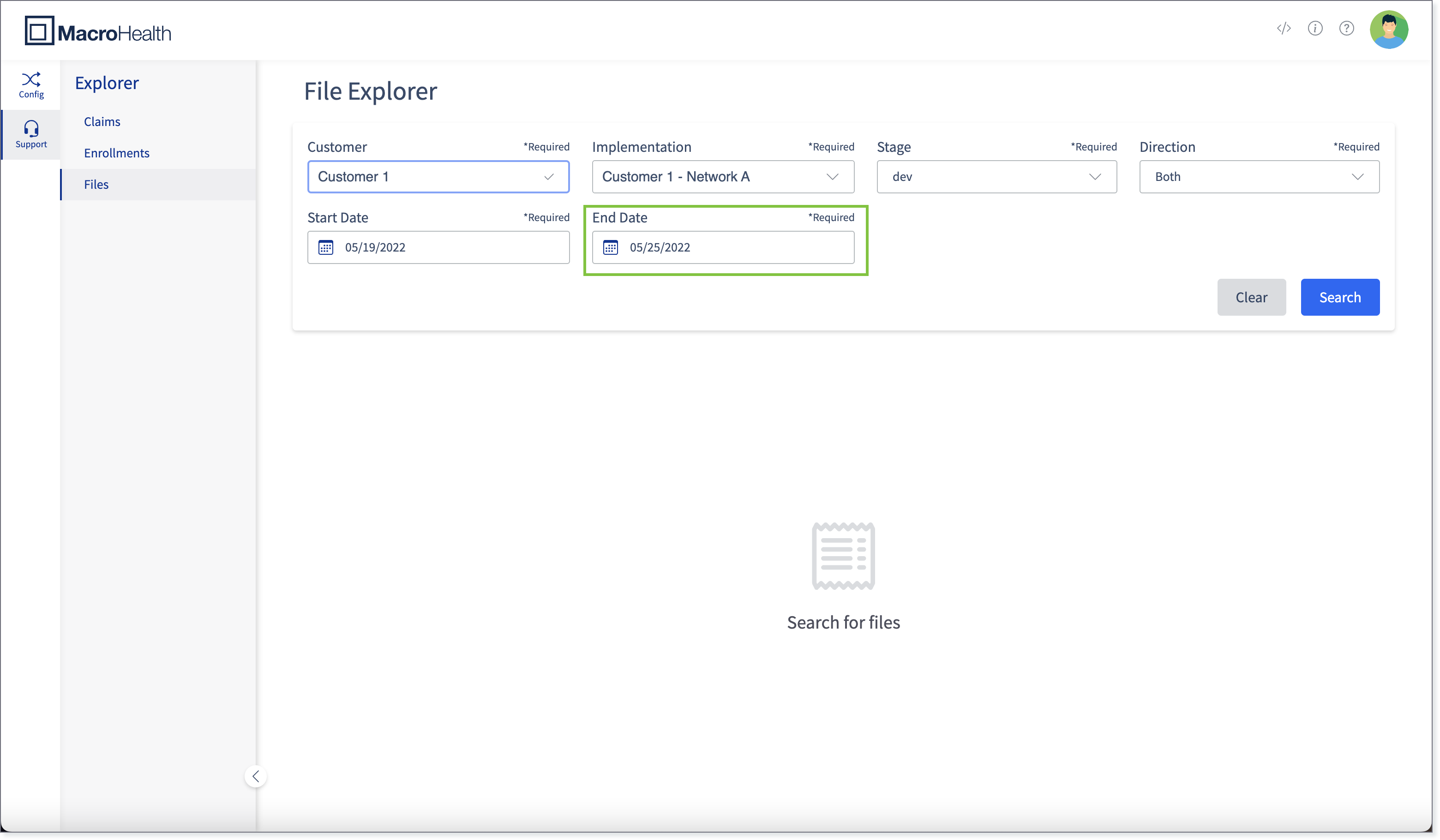
Specify the End Date.
Click Search.
The list of files found and their information will be displayed in the Search Results Overview section.