Split Document
Splits a document into multiple documents for individual processing.
Note
This operation will use a subset of the mapping language to describe how documents are to be split.
Widget

Configuration
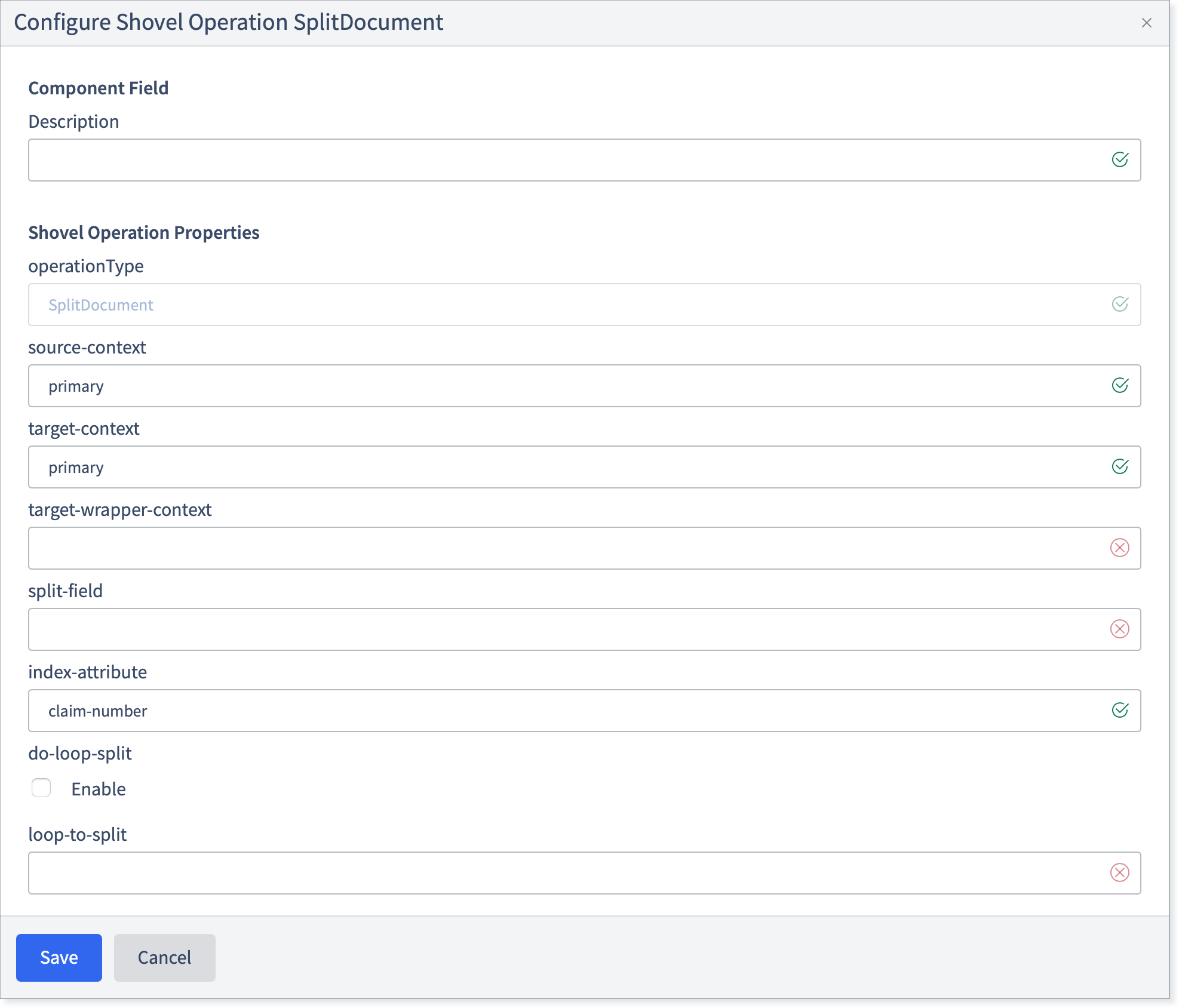
Fill in the following fields:
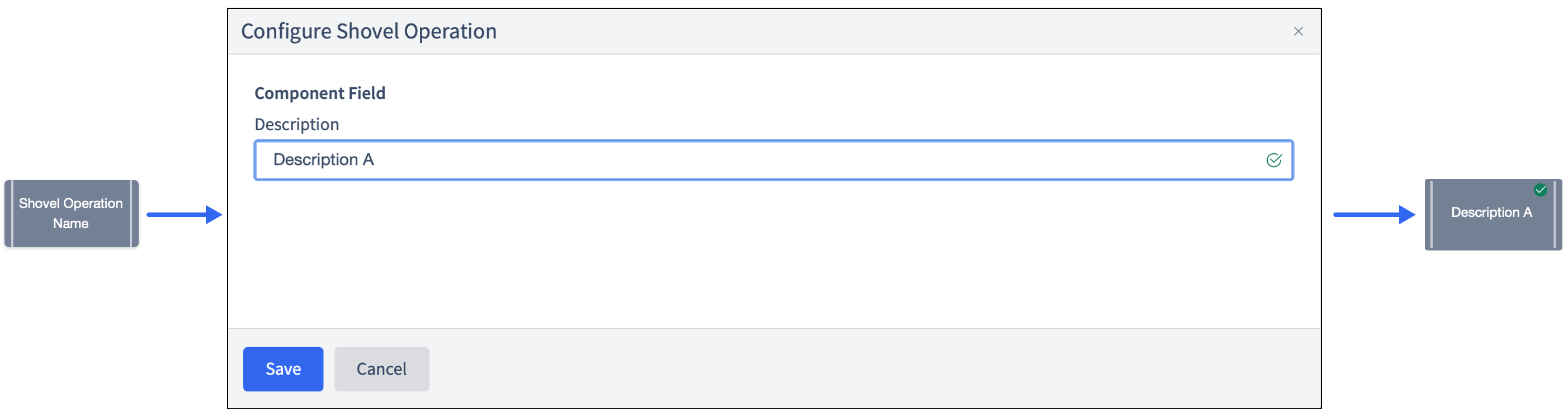
Description: Allows changing the name that appears on the widget. This may be useful to quickly find a particular widget or distinguishing it from other similar shovel operation widgets when building large flows.
Shovel Operation: The name of the Shovel Operation. Pre-configured to SplitDocument.
source-context: The name of the document in Standard Runtime Mode to operate on.
target-context: The name of the output document this operation will emit for the split elements.
target-wrapper-context: The name of the output document this operation will emit for the part of the document which surrounds the split elements. Only used when do-loop-split is false.
split-field: The shovel field reference identifying exactly where in the document to perform the split operation. Must point to a JSON Array.
index-attribute: The flowfile attribute name to store the split index.
do-loop-split: When set to true, the splitter will look for the loop specified in "NSoft Loop Name" at the position specified in the JSONPath Expression. It will split the document with one flowfile per instance of the loop. If this option is chosen, the output will overwrite the source-context so that the whole document is still in line with the software schema and it appears that there is only one instance of that loop.
loop-to-split: The name of the X12 loop to split by. This is only used if NSoft Loop Split is true.
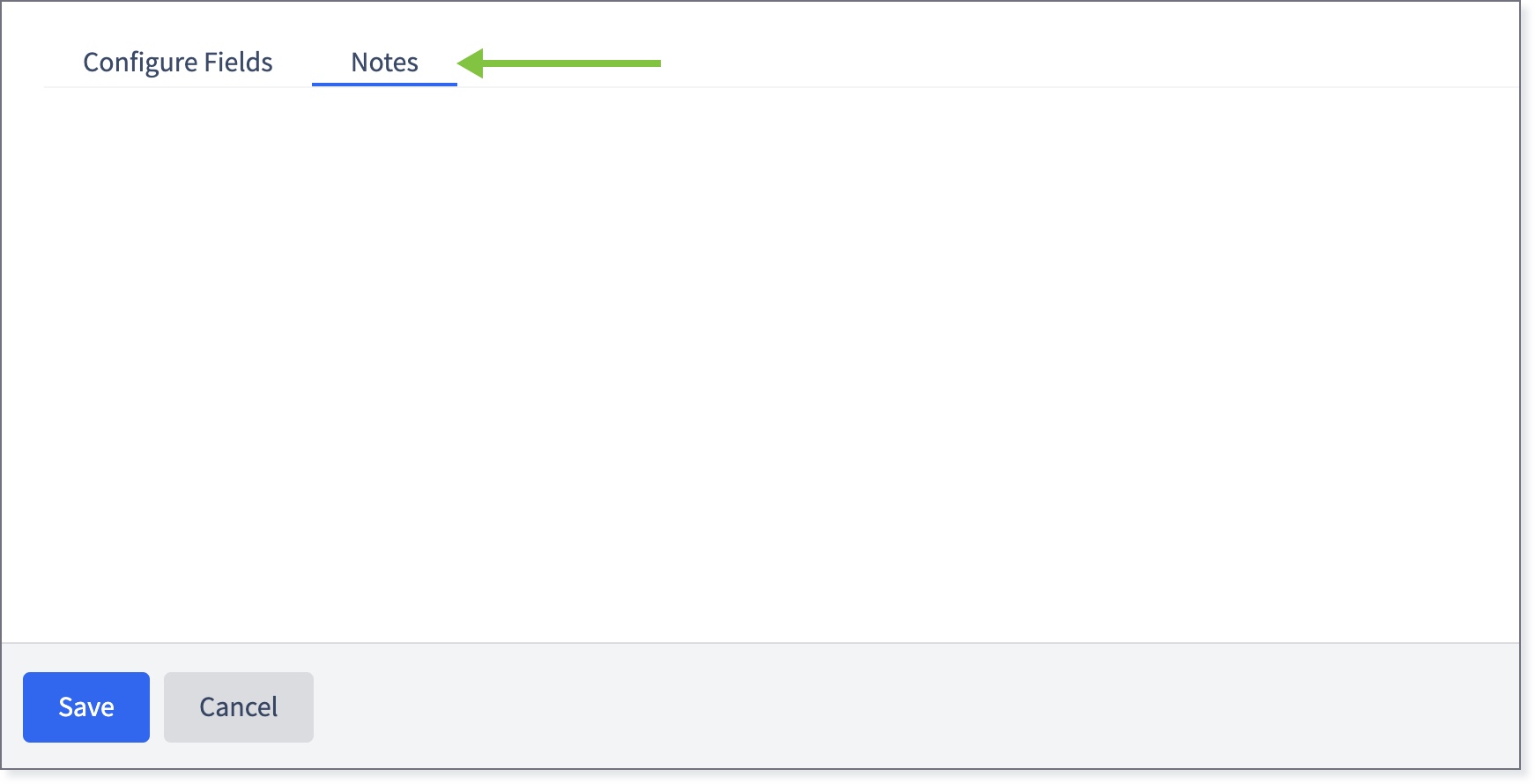
If necessary, click the Notes tab and enter any relevant information.
Click Save.
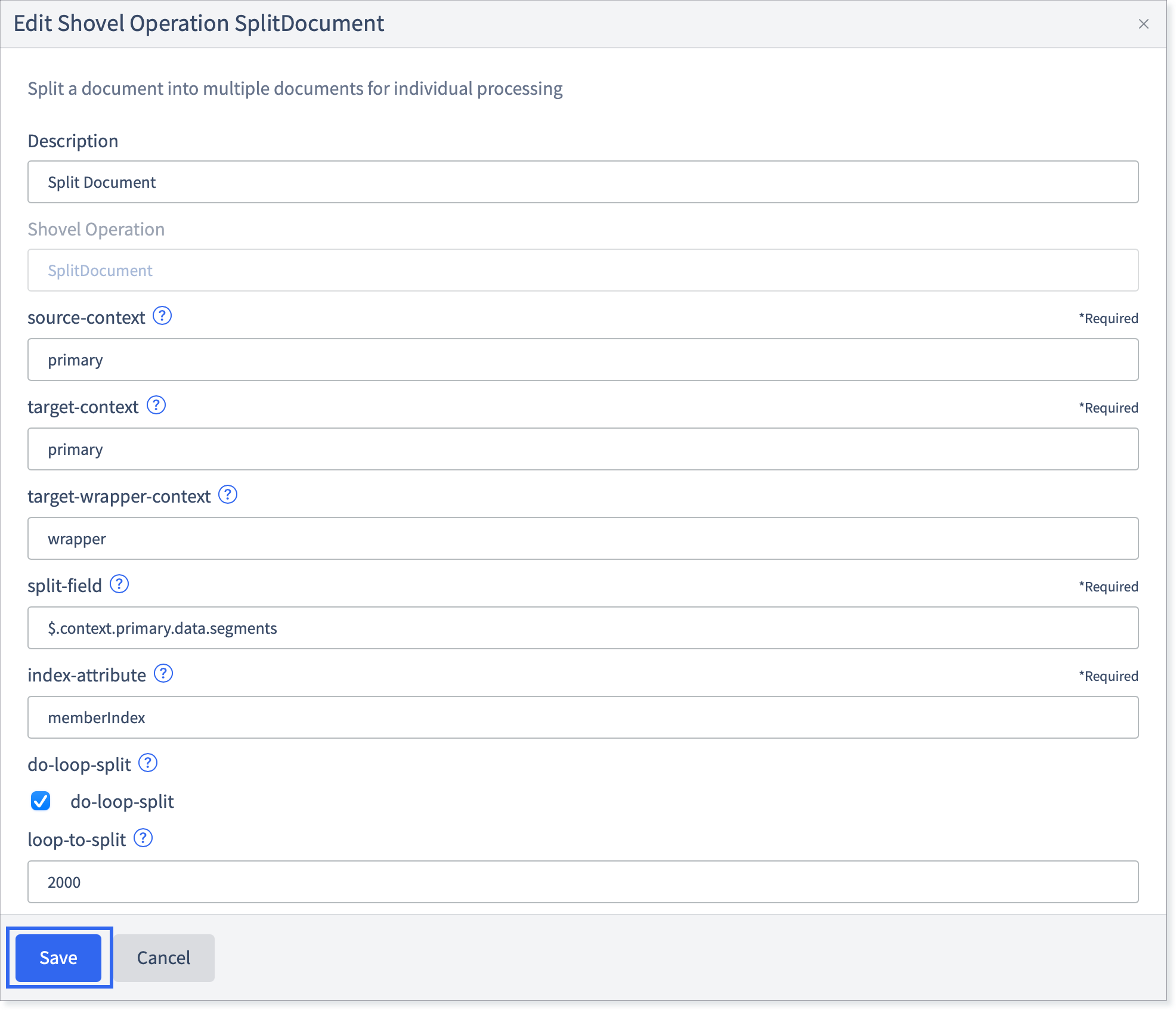
The widget will be marked with a green check.
