FHIR to Transaction Set
This Shovel Operation translates the FHIR bubble to a Vix12 transactionSet.
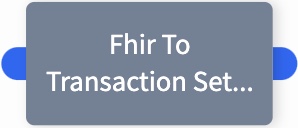
Widget
Configuration
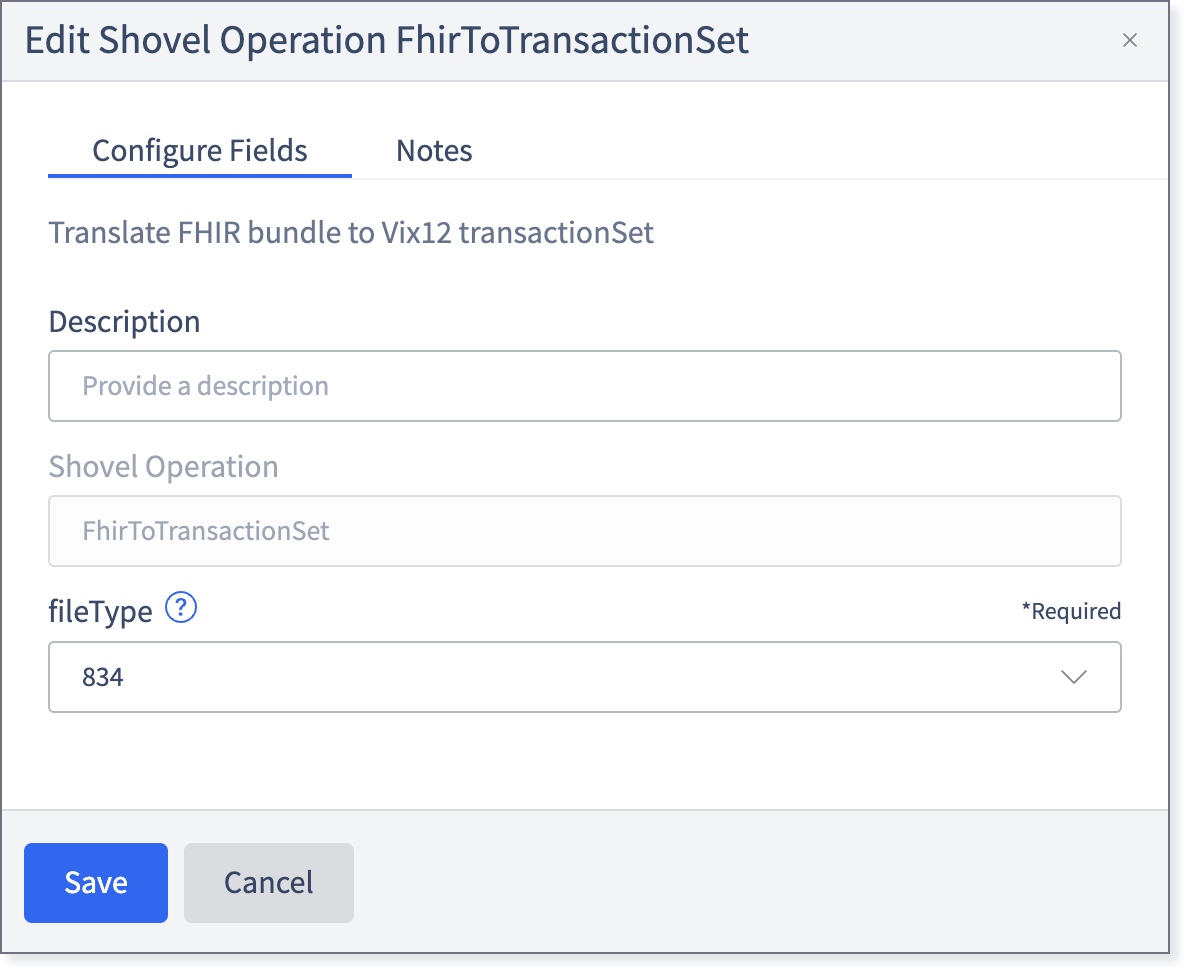
Fill in the following fields:
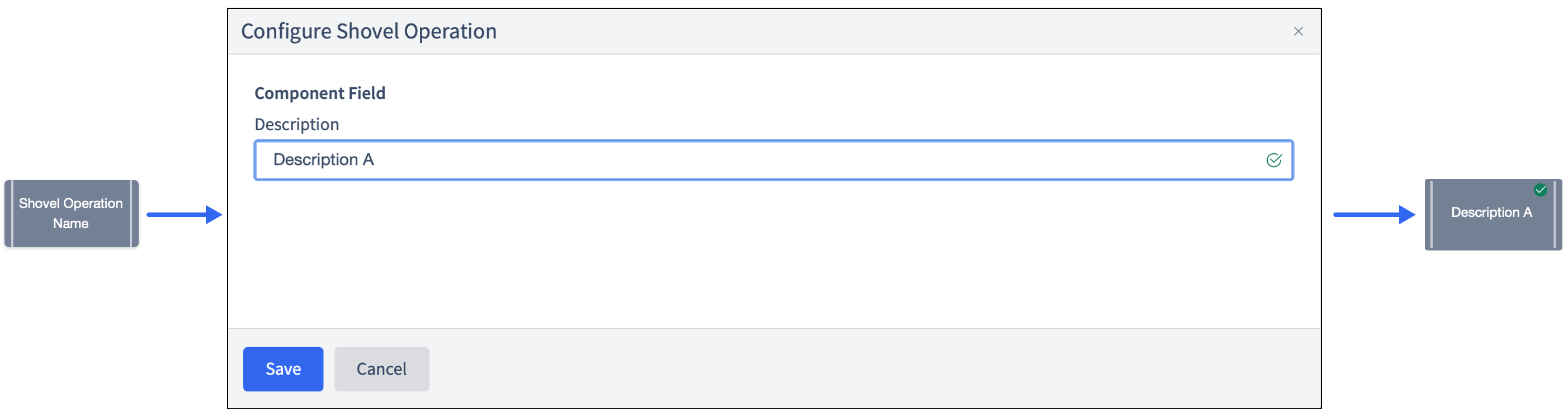
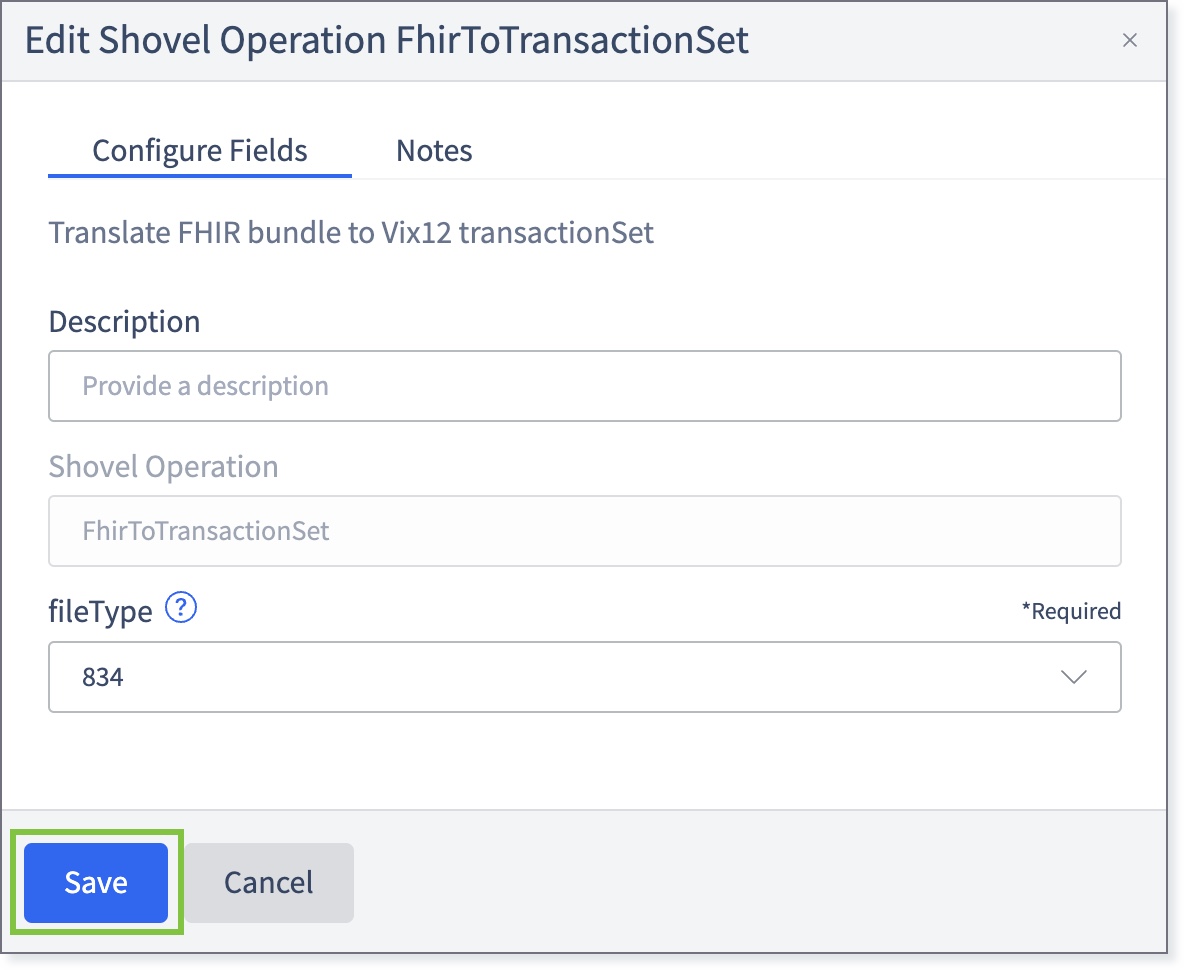
Description: Allows changing the name that appears on the widget. This may be useful to quickly find a particular widget or distinguishing it from other similar shovel operation widgets when building large flows.
Shovel Operation: The name of the Shovel Operation. Pre-configured to FhirToTransactionSet.
fileType: From the drop-down, select the supported file type of the FHIR bundle. The available values are 834, 835, and 837.
If necessary, click the Notes tab and enter any relevant information.
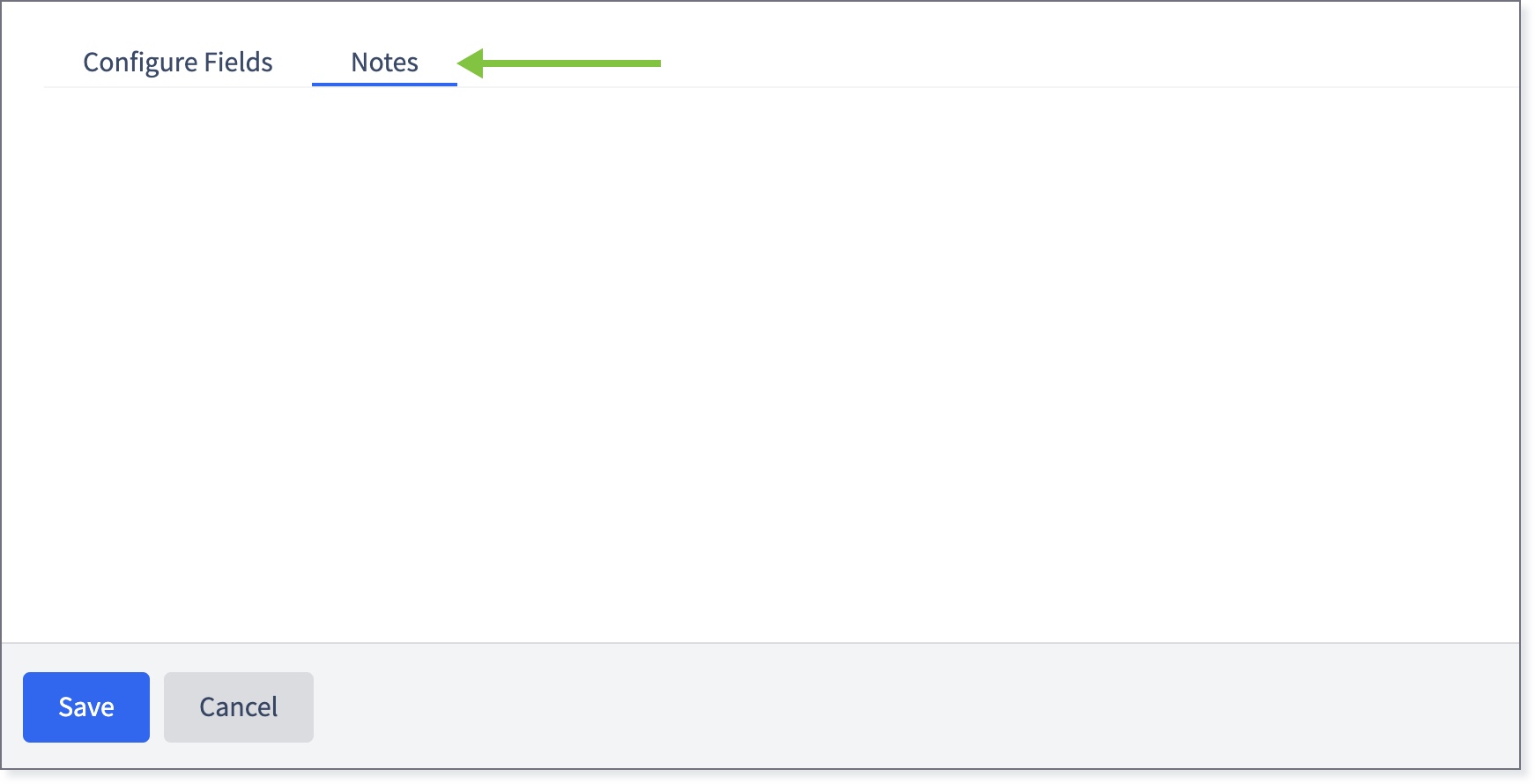
Return to the Configure Fields tab and click Save.
The widget will be marked with a green check.
