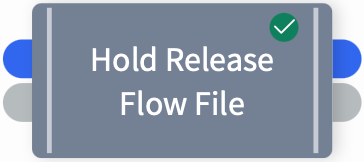
Hold Release Flow File
This Shovel Operation will send a file or runtime document, unchanged, to the connecting shovel operation either immediately or on user approval, depending on the operation’s holdStatus state (true or false).
Widget
Configuration
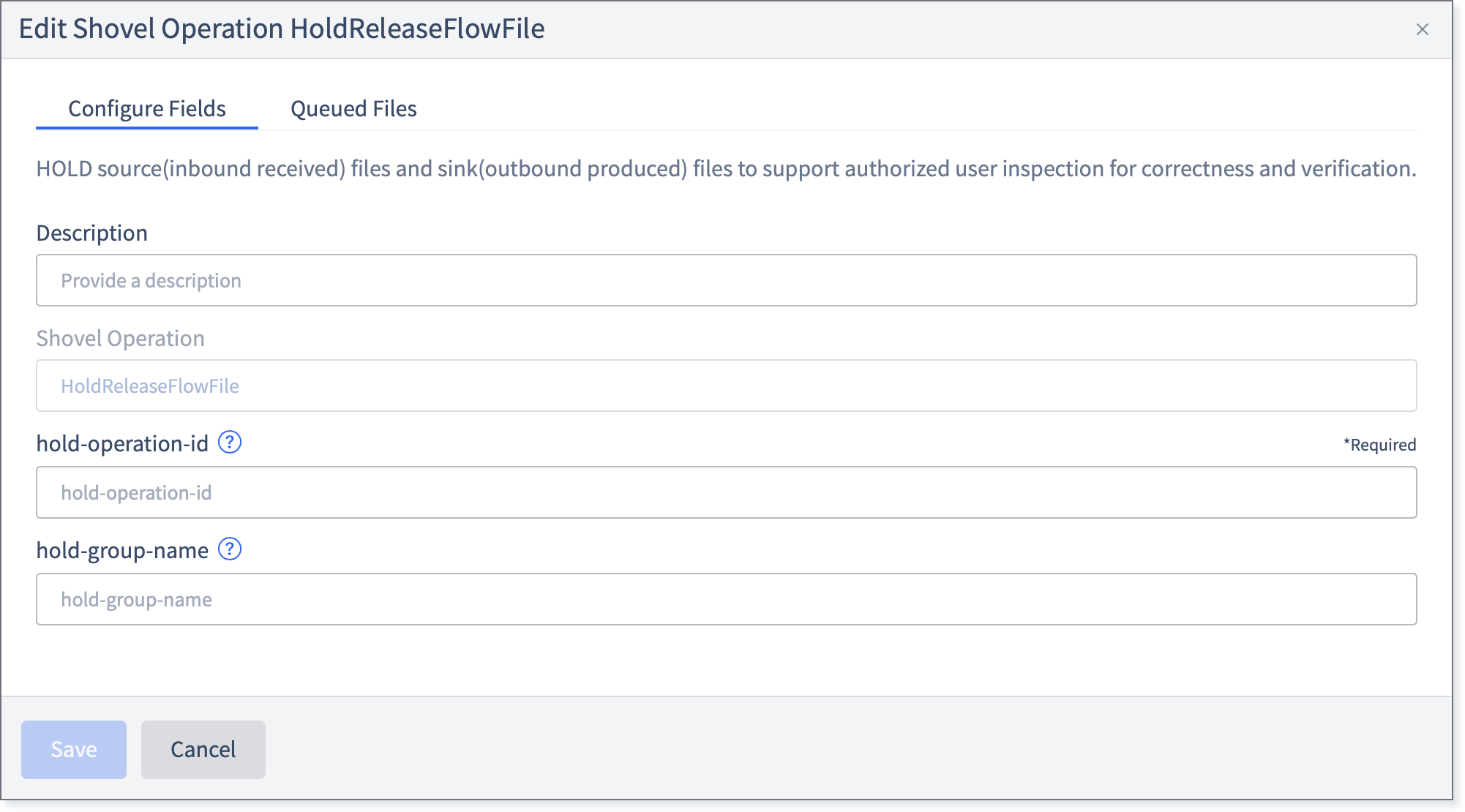
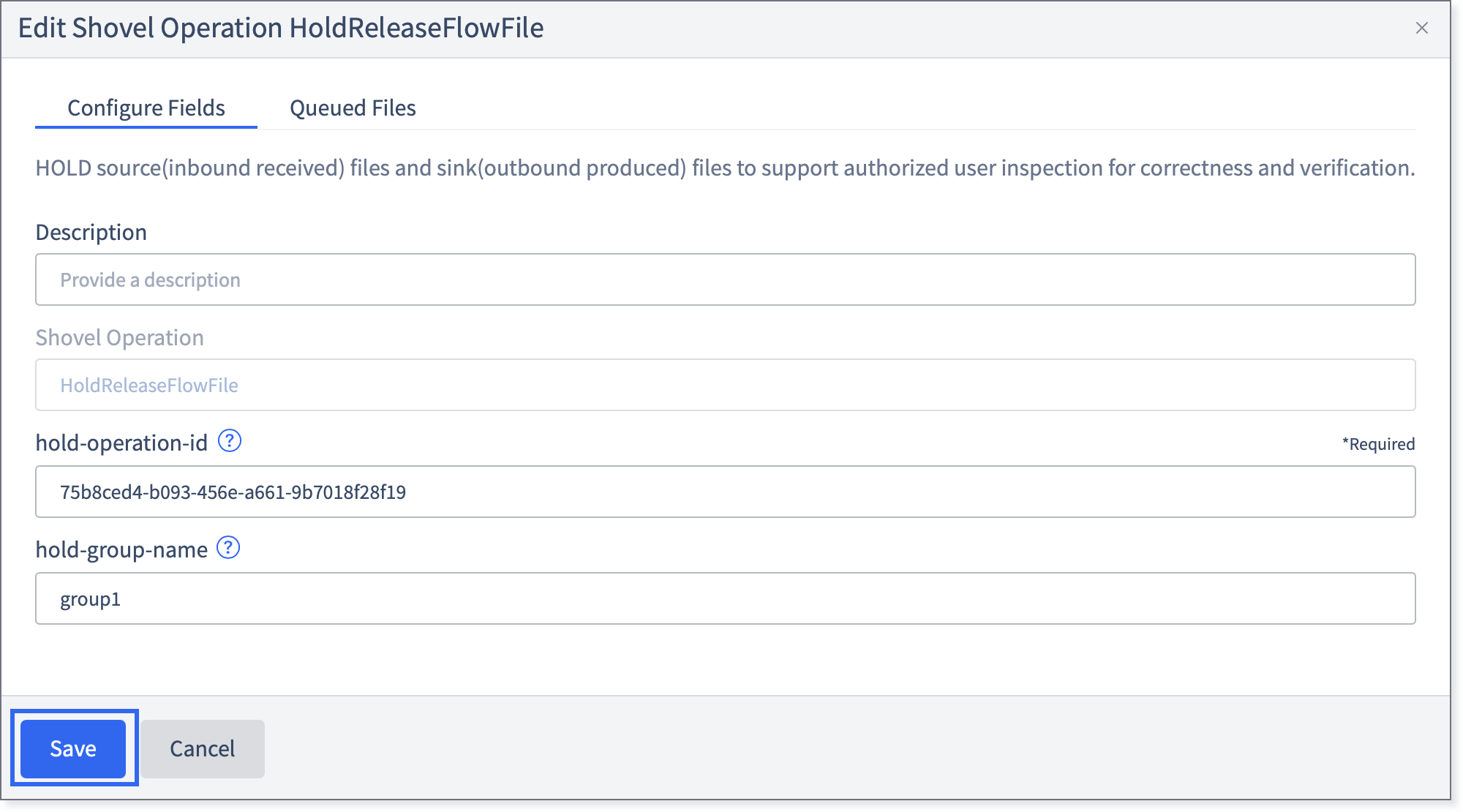
Fill in the following fields:
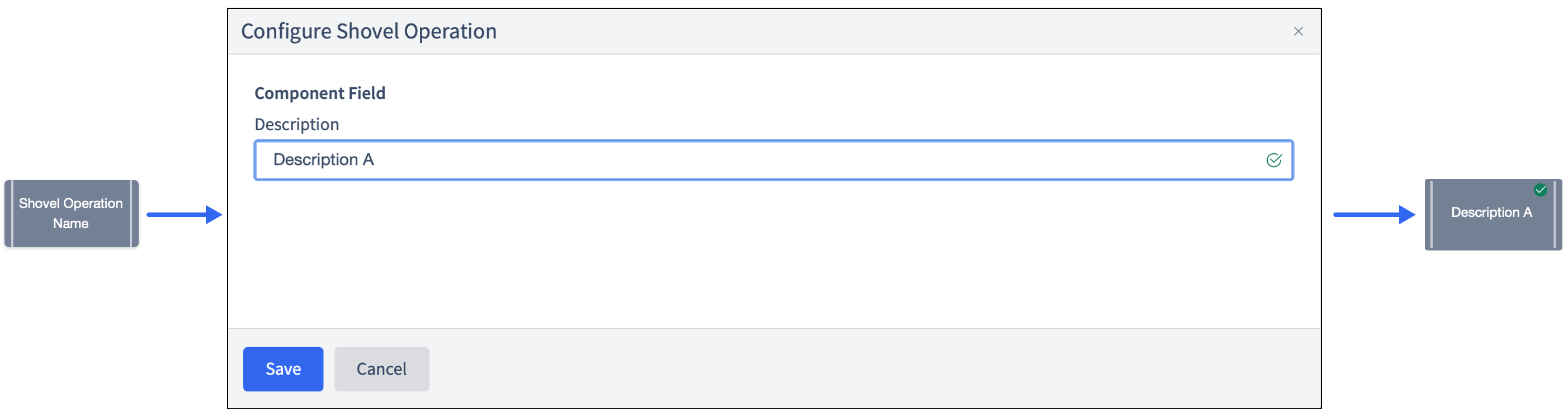
Description: Allows changing the name that appears on the widget. This may be useful to quickly find a particular widget or distinguishing it from other similar shovel operation widgets when building large flows.
Shovel Operation: The name of the Shovel Operation. Pre-configured to HoldReleaseFlowFile.
hold-operation-id: User defined hold operationId. Unique within the flow. This is an arbitrary string value.
hold-group-name: User defined grouping of hold operations. This field is intended to support UI grouping and reporting. This is an arbitrary string value.
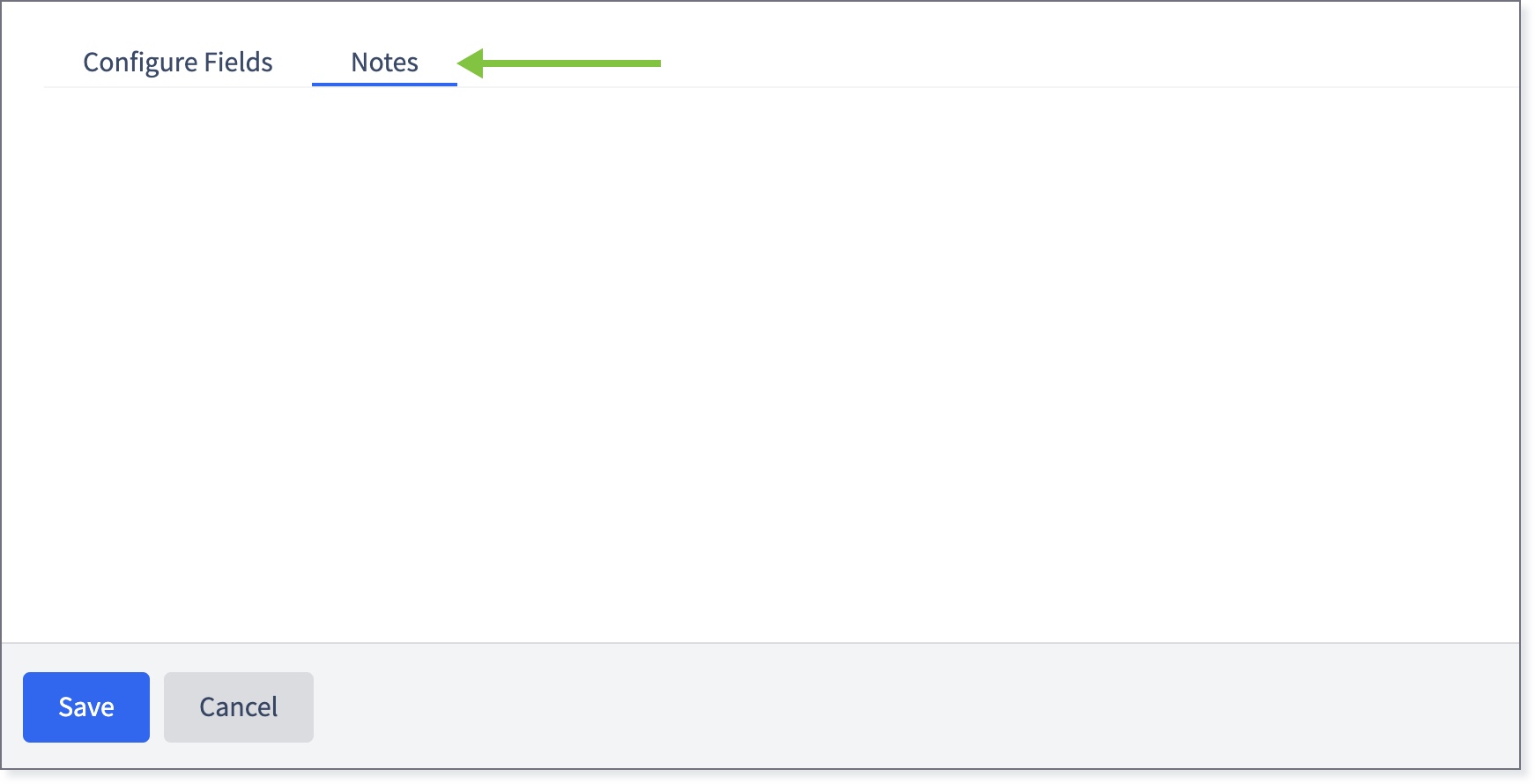
If necessary, click the Notes tab and enter any relevant information.
Click Save.
The widget will be marked with a green check.