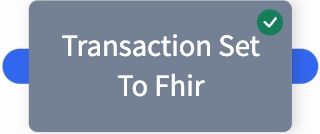
Transaction Set to FHIR
This Shovel Operation translates the transactionSet to FHIR as a sub document on the source flow file.
Widget
Configuration
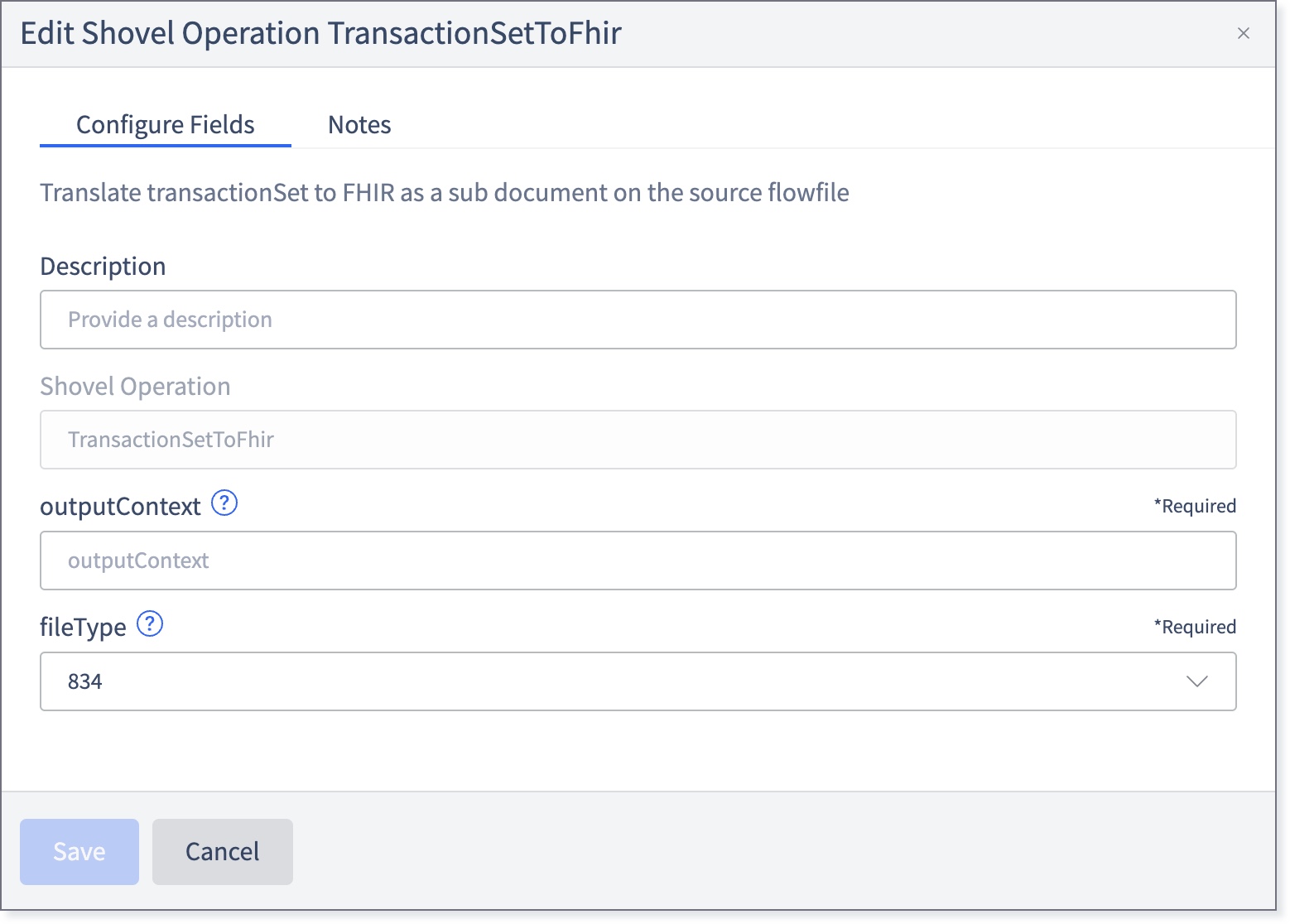
Fill in the following fields:
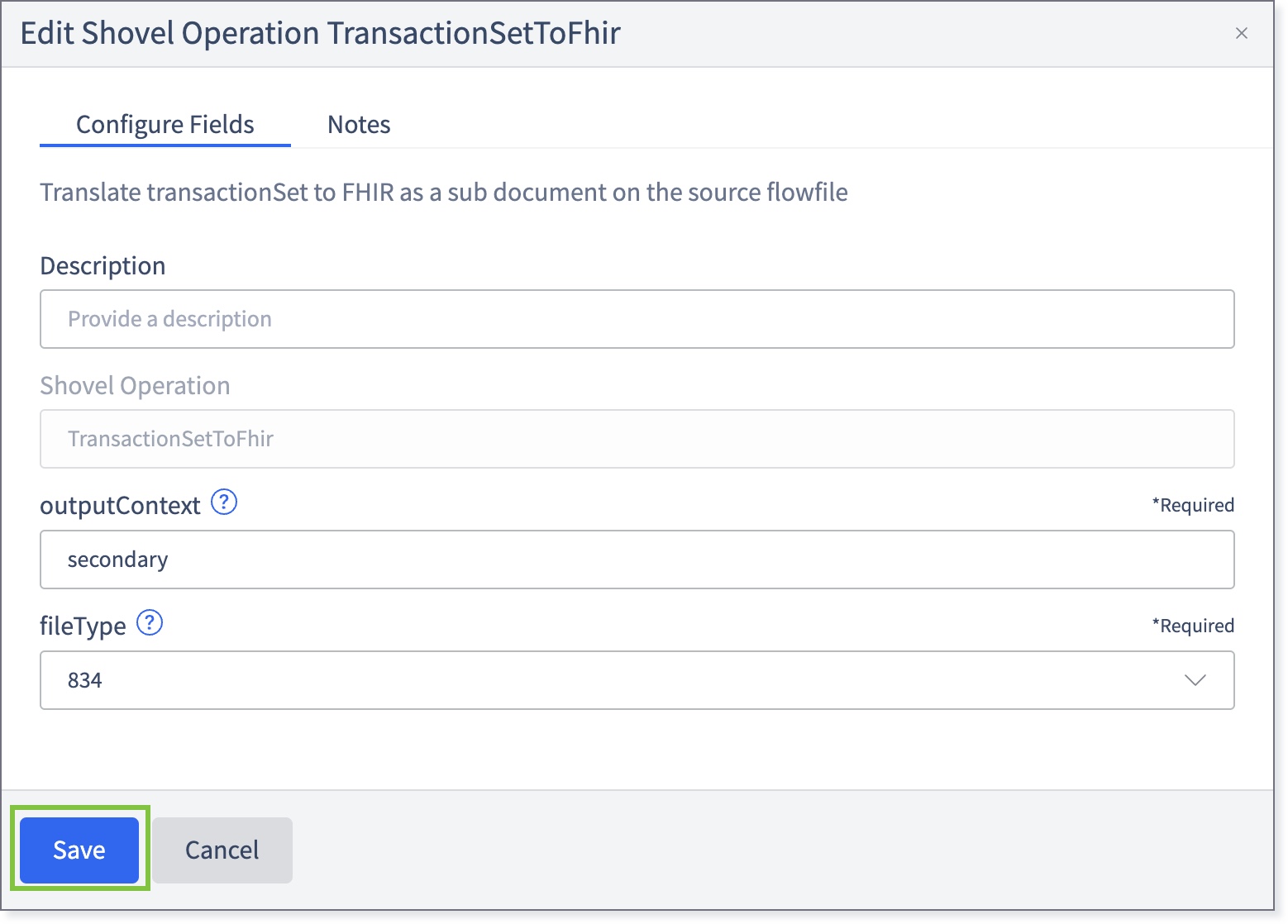
Description: Allows changing the name that appears on the widget. This may be useful to quickly find a particular widget or distinguishing it from other similar shovel operation widgets when building large flows.
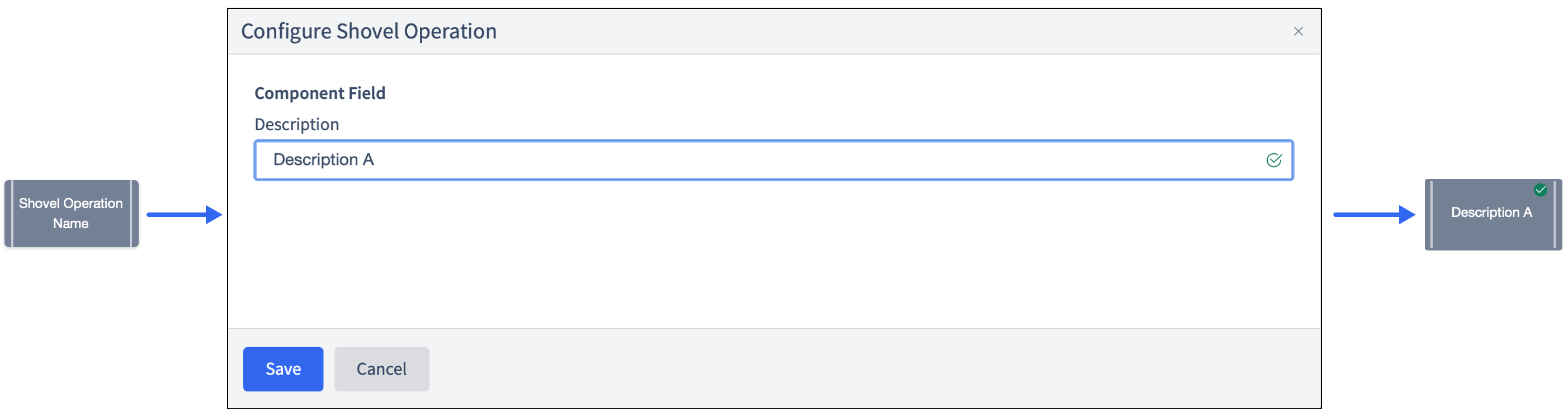
Shovel Operation: The name of the Shovel Operation. Pre-configured to TransactionSetToFhir.
outputContext: Enter the name of the context output document this operation will emit for the FHIR bundle.
fileType: From the drop-down, select the supported file type being bundled. The available values are DF_Enrollment, 834, 835, 837i, and 837p.
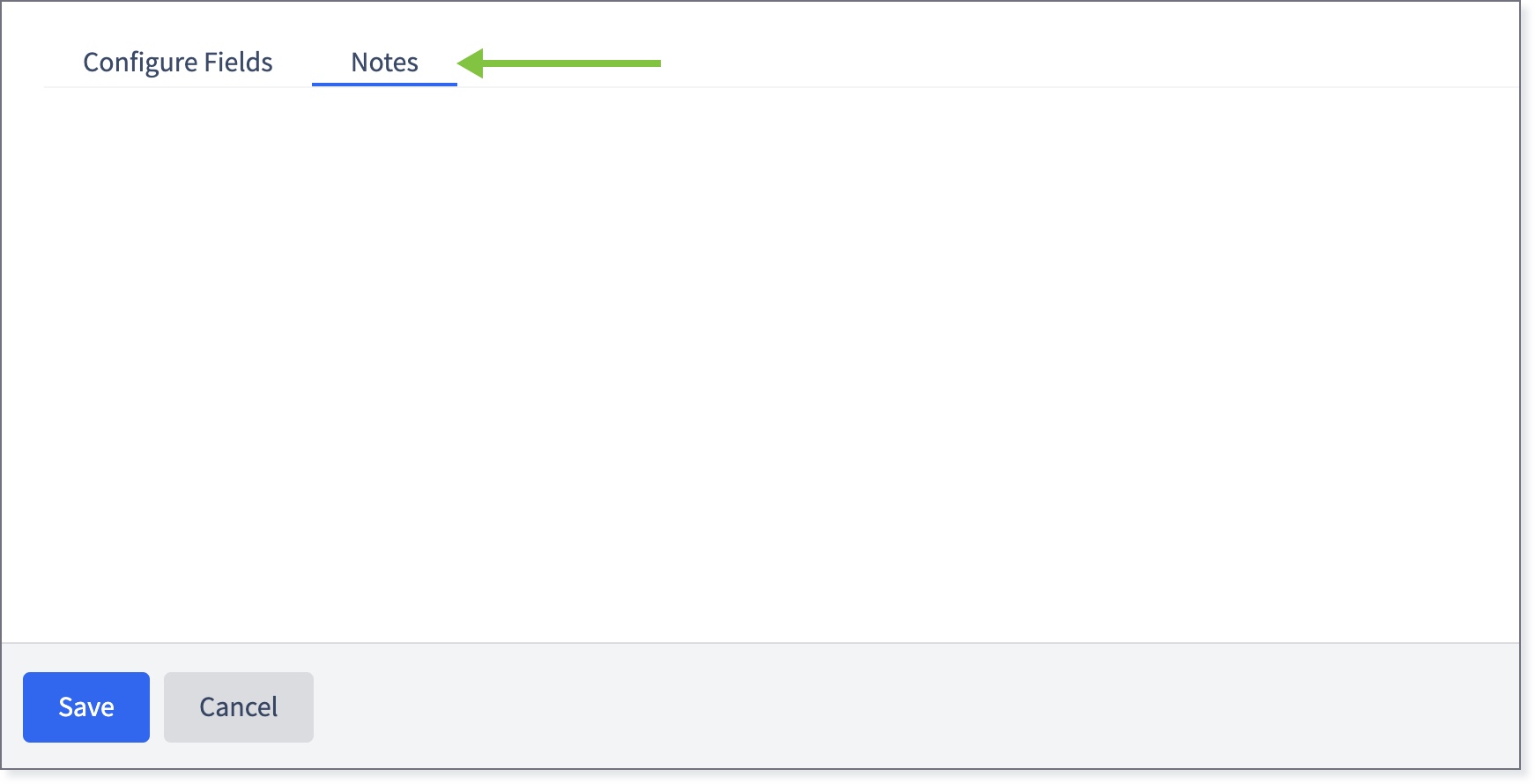
If necessary, click the Notes tab and enter any relevant information.
Return to the Configure Fields tab and click Save.
The widget will be marked with a green check.